What REITrack does
Private by default
No analytics, no telemetry, no advertising. History stays in a database on the phone unless you turn Cloud sync on.
Bring your history
Import from Google Maps Timeline, GPX, KML, GeoJSON or CSV. Move years of data off Google without losing it.
Works offline
Locations queue locally and sync when connectivity returns. Download map areas ahead of trips out of coverage.
History on the device
Browse every trip on the phone itself. Elevation profiles, per-trip stats and a calendar with activity dots.
Tracking profiles
Multiple GPS configs that switch automatically on charging, Android Auto, speed or stationary detection.
Zones that do something
Draw a boundary and have tracking change behaviour inside it. Arrivals and departures are recorded as events.
How it works
Install and grant location
Background location is what lets recording continue with the screen off. Each permission is explained before it is asked for.
Pick how often to record
A profile sets the interval and distance filter. Start with Balanced; switch to Instant for a route you care about, Power Saver for a long day.
Read it back
Trips are segmented from the raw points automatically. Browse them on the phone, or turn on Cloud sync and open the same track in a browser.
Where your location goes
Nowhere, until you turn Cloud sync on. Recording writes to a SQLite database on the phone, and the app works fully with sync switched off.
With sync on, points go over HTTPS to REITrack Cloud and nowhere else — the destination is not configurable, so location data cannot be redirected to a third party. Credentials are held in Android's encrypted storage, and sensitive headers are masked in log exports.
Screenshots
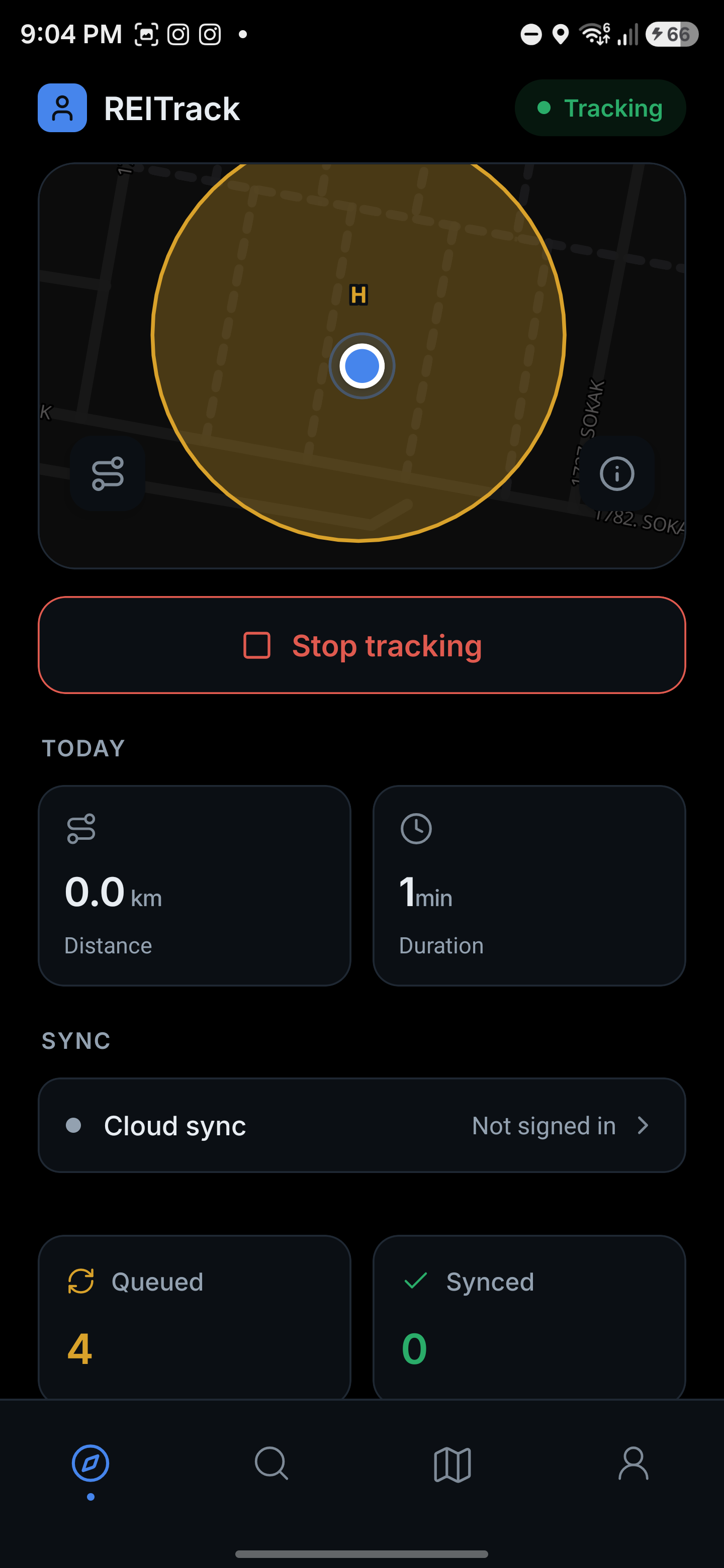
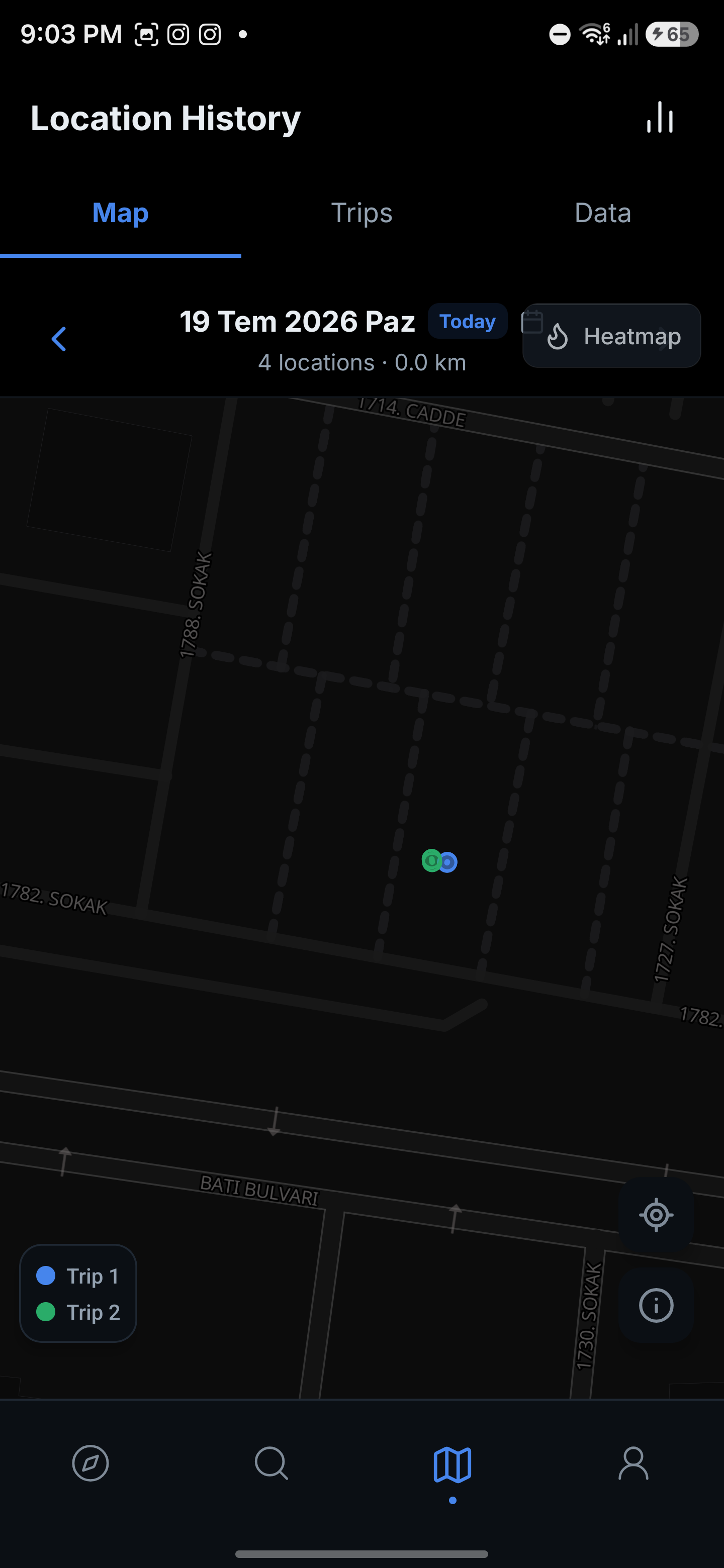
Start recording
Installation and first run take about five minutes.