Introduction
REITrack is a private GPS tracking app for Android. It records your location to a local database, works offline, supports geofencing, and has no analytics or telemetry. Points stay on the device unless you enable REITrack Cloud sync.
Key Features
- Private by default - History stays in a database on the phone. Nothing is uploaded unless you turn Cloud sync on, and then only to REITrack Cloud — the destination is not configurable, so location data cannot be redirected to a third party.
- Privacy First - No analytics, no telemetry, no advertising SDKs.
- Works Offline - Fully functional without a server. Export as CSV, GeoJSON, GPX, or KML.
- Offline Maps - Download map areas to your device for use without an internet connection.
- Scheduled Export - Automatic daily, weekly or monthly exports to a local directory with file retention management.
- Encrypted Backup - Single password-encrypted archive of locations, settings, geofences and credentials.
- Location History - View daily summaries, trip segmentation, calendar with activity dots, per-trip export and notes on individual points.
- Reliable Tracking - Foreground service, auto-start on boot and exponential backoff retry.
- Geofencing - Pause zones that stop recording locations. Optionally stop GPS entirely when on WiFi or when the device is motionless.
- Tracking Profiles - Automatically adjust GPS interval, distance filter and sync settings based on conditions like charging, Android Auto, speed or stationary detection.
- Flexible Sync - Instant, batch, Wi-Fi only or offline modes.
- Display Settings - Choose between metric and imperial units, 12h or 24h time format. Auto-detected from device locale on first use.
- Quick Setup - Configure devices via
rootcastle://setupdeep links or QR codes. - Authentication - Basic Auth, Bearer Token or custom headers
- Dark Mode - Full light and dark theme support.
App Screens
REITrack has twenty-two screens, each focused on a specific task:
| Screen | Purpose |
|---|---|
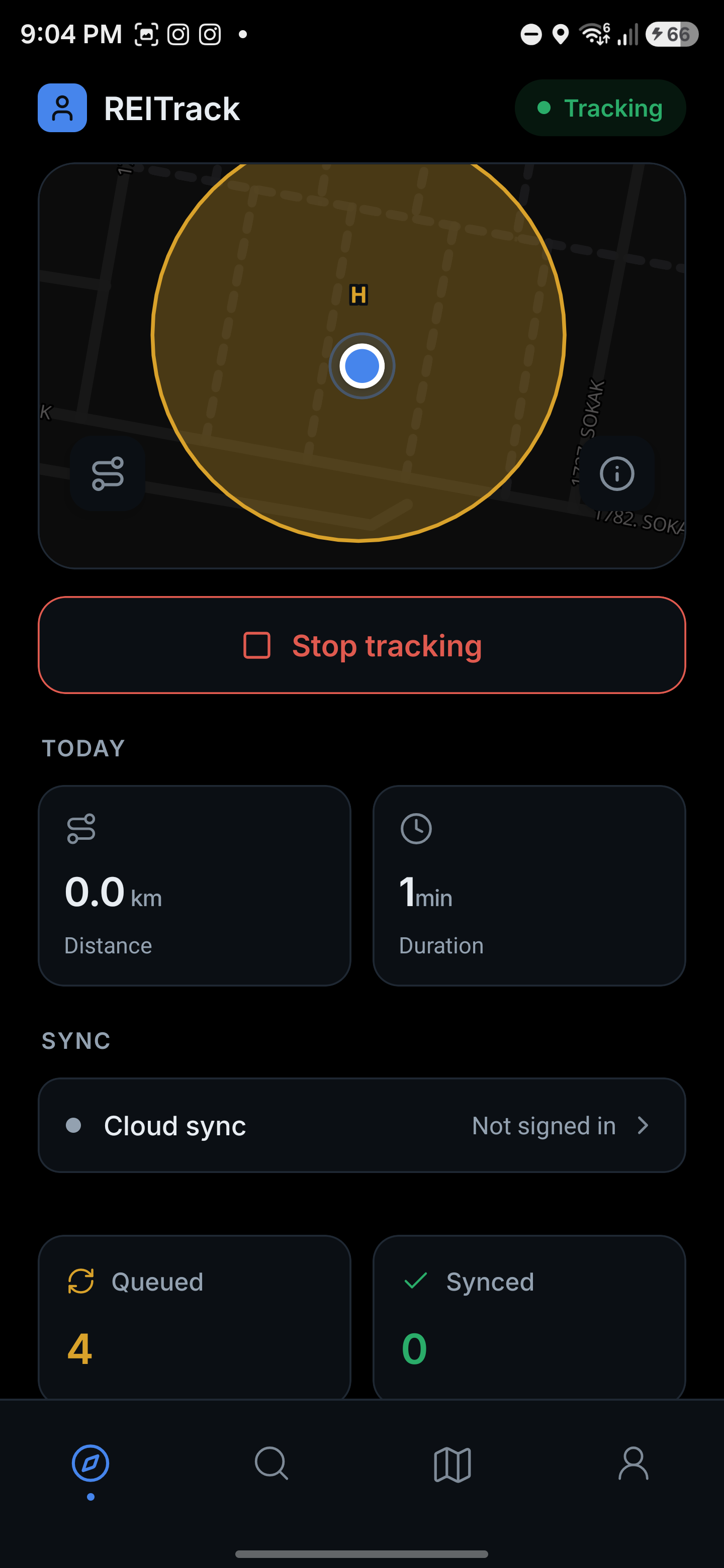
| Dashboard | Live map with current coordinates, today's track overlay, tracking controls, database stats, and geofence status |
| Settings | Hub linking to Connection, Tracking and Sync, API Field Mapping, Tracking Profiles, Appearance and data/about screens |
| Connection | Server endpoint URL, offline mode toggle and connection test |
| Tracking & Sync | GPS polling interval, distance filter, accuracy threshold and sync strategy preset |
| Appearance | Light/dark theme, unit system, time format and custom map tile URLs |
| Account | Sign in with email or Google to enable Cloud sync, and manage the signed-in account |
| Geofences | Create pause zones by tapping the map, view all zones with pause option indicators |
| Geofence Editor | Configure a zone: name, radius, record pause, WiFi pause, motionless pause and timeout, stationary heartbeat |
| Offline Maps | Download map areas to the device for use without an internet connection |
| Tracking Profiles | Create and manage condition-based profiles that automatically adjust tracking settings |
| Profile Editor | Configure profile name, condition trigger, GPS interval, distance filter, sync interval, priority, and deactivation delay |
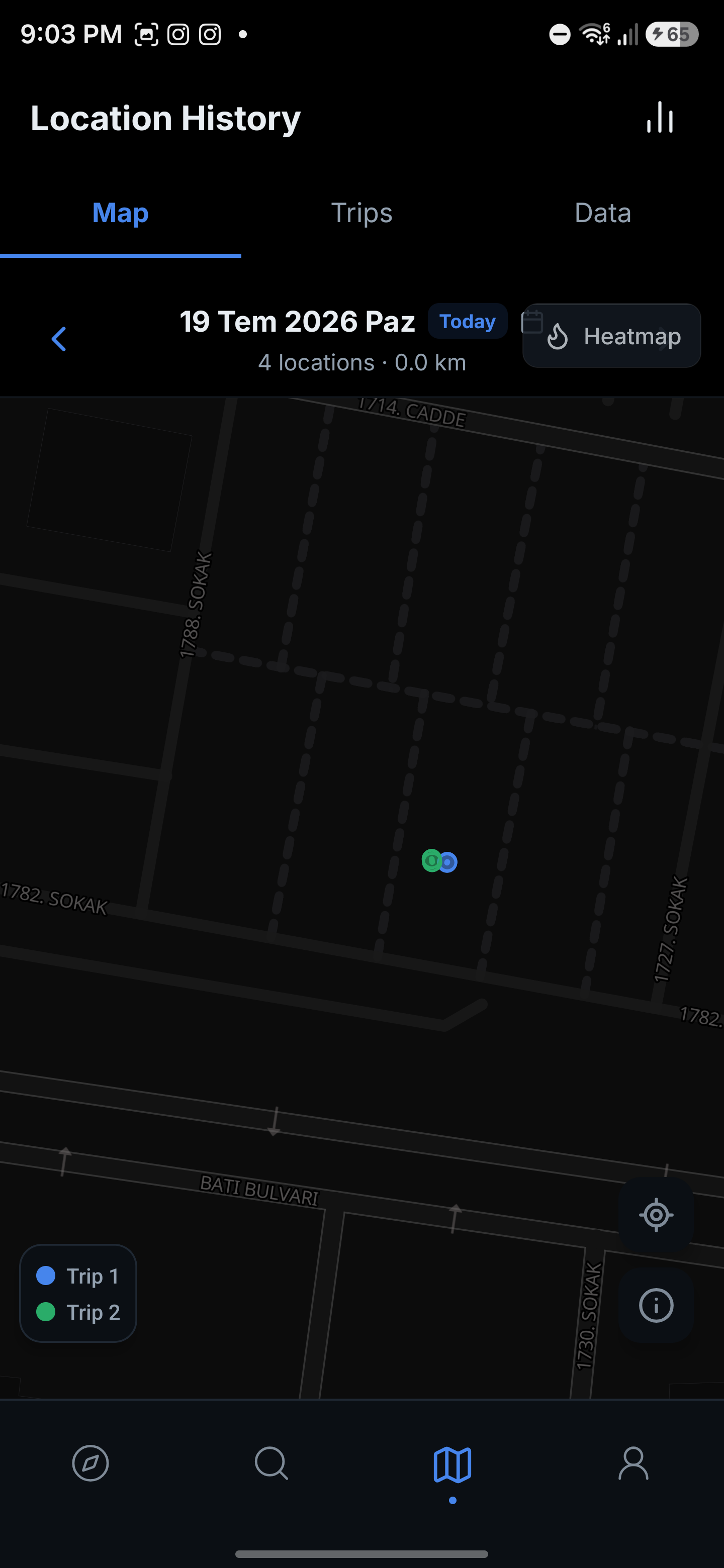
| Location History | Browse recorded locations on a track map with calendar day picker and trip-colored segments, view segmented trips with per-trip stats; tap a point to add a note |
| Trip Detail | Full trip view with dedicated map, stats grid (distance, duration, avg speed, elevation), speed and elevation profile charts, export, and delete |
| Location Summary | Aggregated stats (total distance, trips, active days, avg distance) for selectable periods with daily breakdown and tap-to-inspect navigation |
| Export Data | Export tracked locations as CSV, GeoJSON, GPX, or KML |
| Auto-Export | Configure scheduled exports: directory, format, frequency, time of day (with weekday or day-of-month for weekly/monthly), export range and file retention |
| Data Management | Clear sent history, delete old data, vacuum the database |
| Backup & Restore | Create or restore a single password-encrypted .rootcastle archive of all data (locations, settings, geofences, credentials) |
| Setup Import | Confirmation screen for deep link configuration imports (rootcastle://setup) |
| Logging | In-app activity log viewer (level filtering, search, export) plus opt-in persistent file logging |
| About | App version, device info, links to repository and privacy policy |
Screenshots